Edit videos in your browser
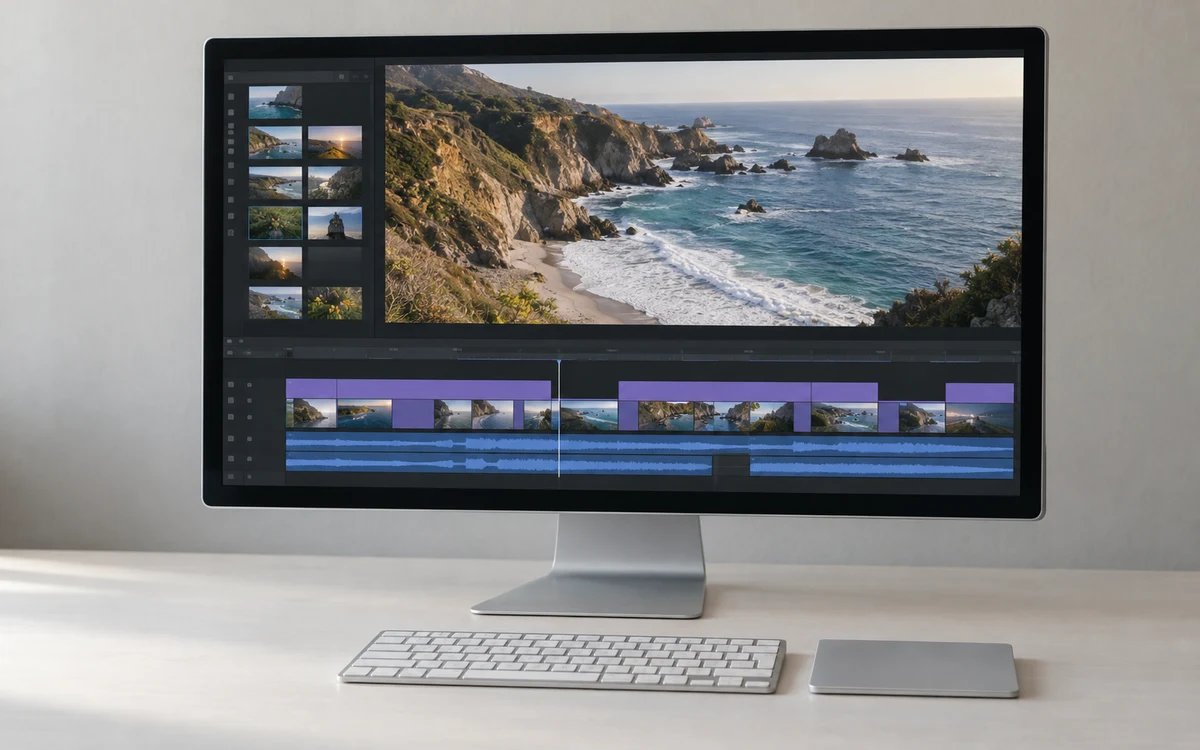
Import video, audio and images from your device. Arrange clips on the timeline, trim their edges and preview your sequence. BopCut runs the montage and video export in your browser.
Explore the video editor BopCut
The BopCut creative workspace
BopCut is an online video editor and AI creative workspace. Cut clips, build your timeline and export your video, directly in your browser.
Meet BopCut
Import video, audio and images from your device. Arrange clips on the timeline, trim their edges and preview your sequence. BopCut runs the montage and video export in your browser.
Explore the video editorChoose MP4 or WebM and select 480p, 720p or 1080p. Export support depends on your browser and media codecs. Keep the tab in the foreground while your sequence is recorded.
Learn how video export worksThe BopCut catalog presents image and video models, their settings and displayed prices. Paid AI tools require an authenticated account and paid credits; generation is currently unavailable while those services are being connected.
Check AI tool availabilityBopCut is the browser-based creative software available at bopcut.com. It combines an online video editor with a catalog of AI image and video tools. The video editor is available now; paid AI generation is not yet open.
Open the video editor, import your files, add them to the timeline and preview your sequence. Then choose an export format and resolution. The first video guide walks through these steps, and the BopCut FAQ explains browser support, files and current availability.